L2TPX provides a stable and secure L2TP/IPsec VPN service
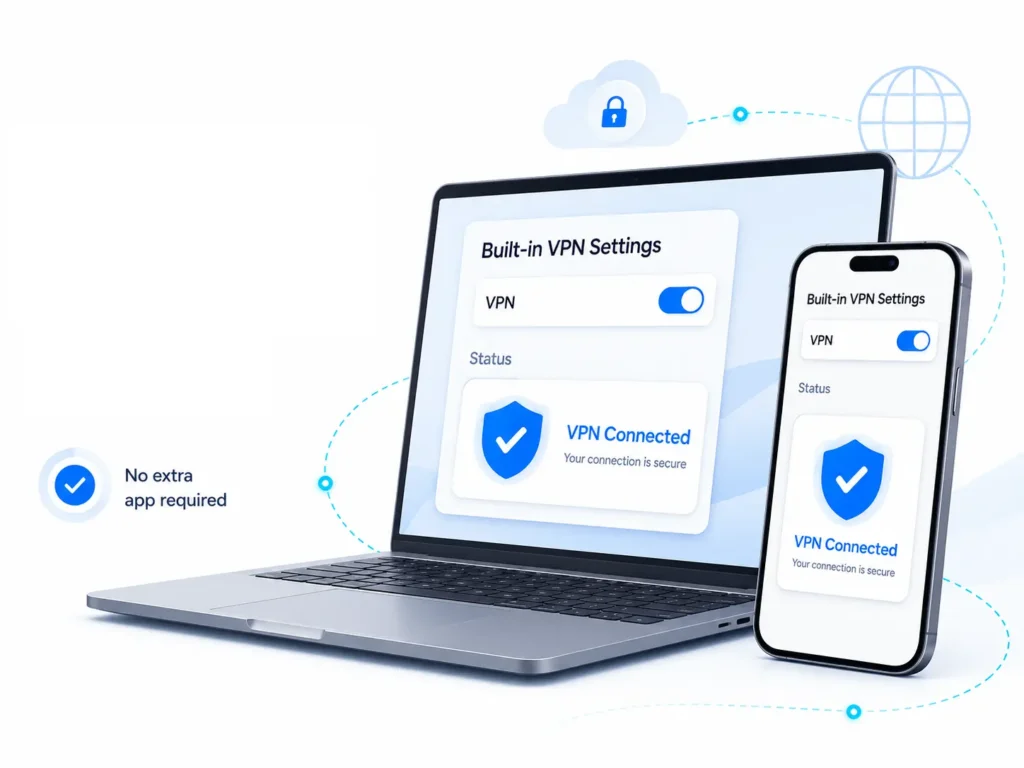
that works with your device’s built-in VPN settings.
no extra app
Connect using your device’s built-in VPN feature.
no installation needed
works on major systems
quick and easy setup
Router ready
Works with most home routers and modems.
protect all devices
stable and consistent
ideal for home & office
secure connection
Your privacy and data are always protected.
L2TP/IPsec encryption
hide your real IP address
no activity monitoring
1 Gbps
high speed network
global access
connect from anywhere
up to 3 devices
use on multiple devices
24/7 support
we're here for you
Unlock the Internet Without Borders
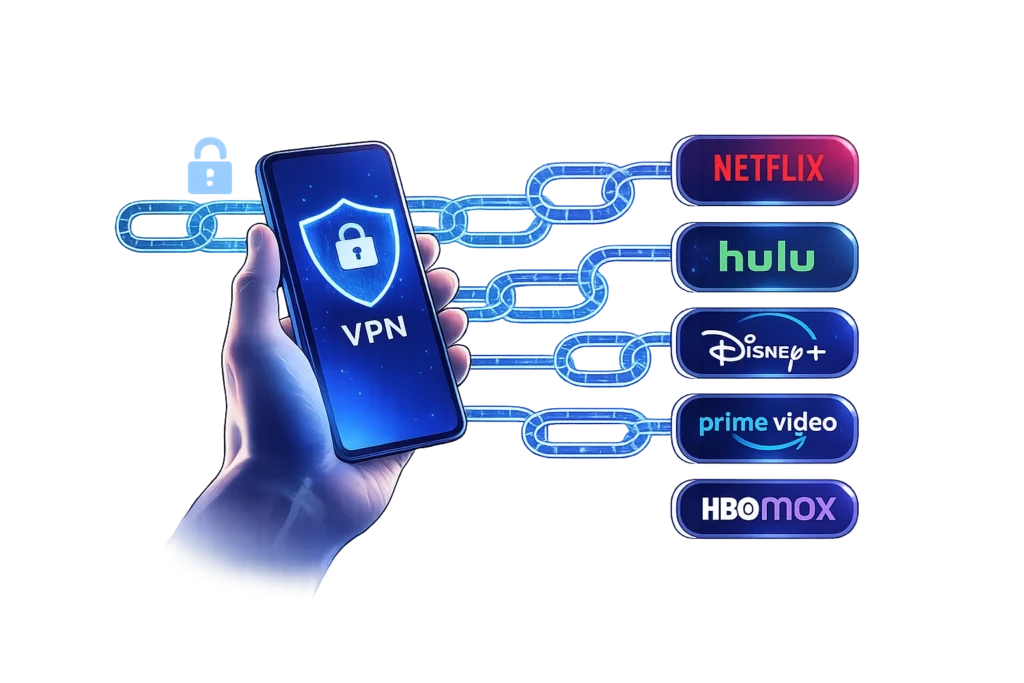
Bypass Geo-Restrictions Securely
Access global content, streaming platforms, and restricted websites without limitations. Our high-speed, secure VPN service helps you bypass geo-blocking, protect your data with strong encryption, and enjoy a fast, stable connection anywhere in the world. Stay private. Stay connected. Go global.
router setup
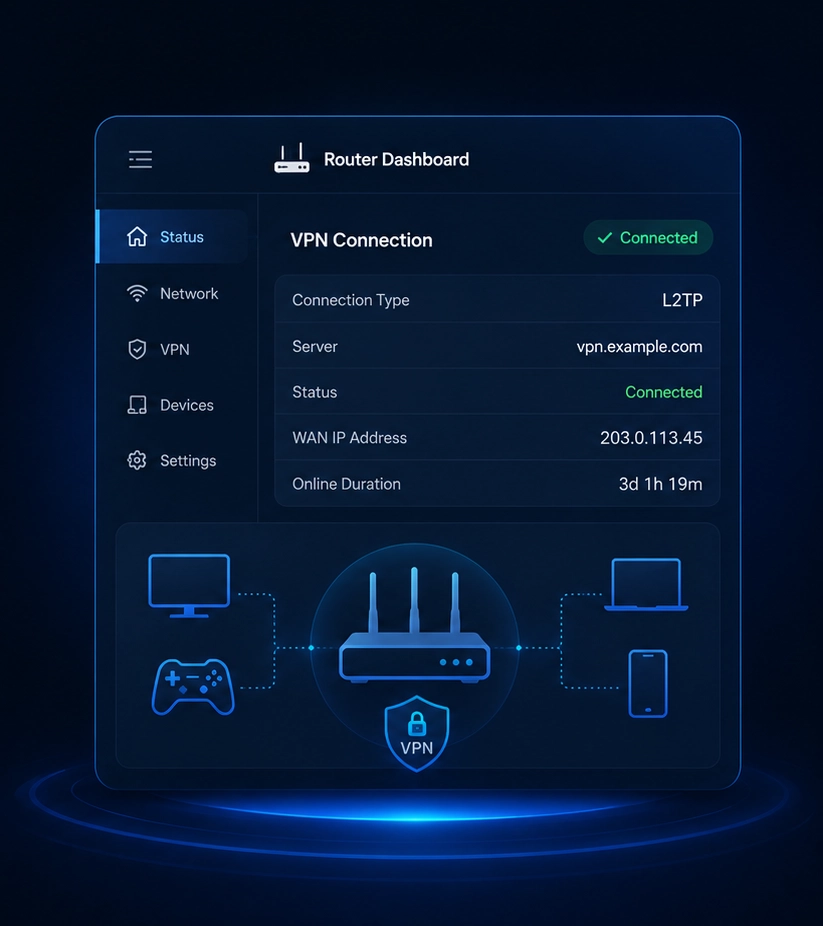
Add VPN To your Router
Set up L2TP on your router and protect every device on your home network
Network-Wide Protection
One subscription covers all devices connected to the Wi-Fi, including smart TV's, game consoles, and other devices without native VPN apps.
Set-and-Forget Security
Once configured, the VPN runs automatically on your router,helping protect your connection and reduce ISP tracking.
Unblock Content
Access geo-restricted content across all devices on your home network.
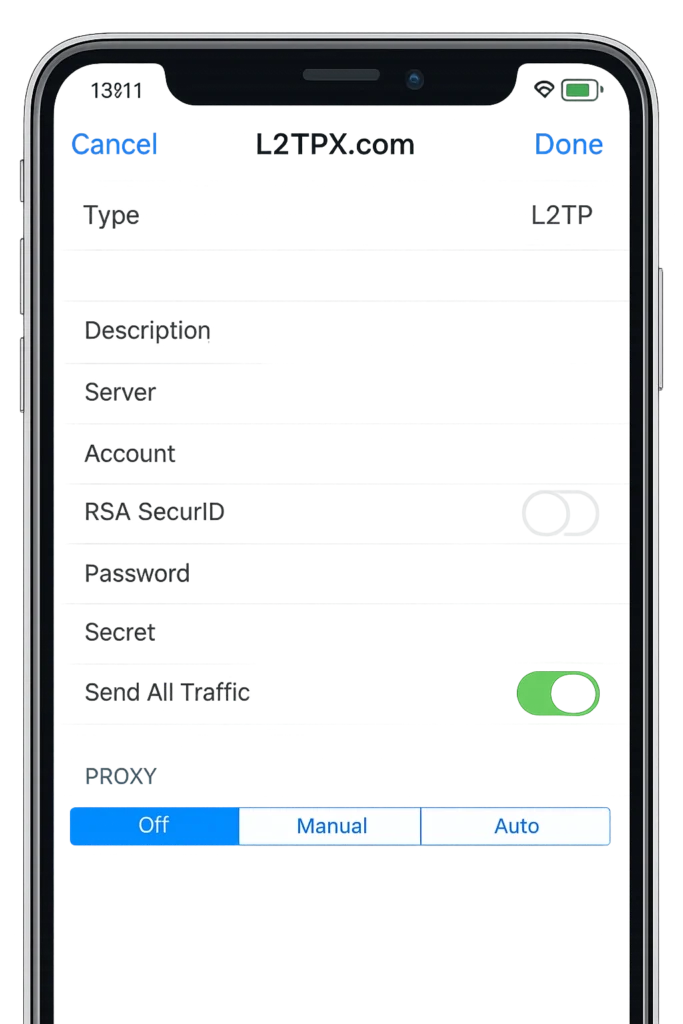
You can easily set up L2TP VPN on your iPhone or iPad without installing any extra app
Just go to Settings > General > VPN & Device Management > VPN > Add VPN Configuration, choose L2TP, then enter the server address, username, password, and secret. Save and connect — done.